Custom Forms

  • Create custom forms for skin test, hair extenstions, cancellation policies, aftercare and more
  • Send one by one or link to a service for automatic sending
  • Ask clients to sign & track form completion
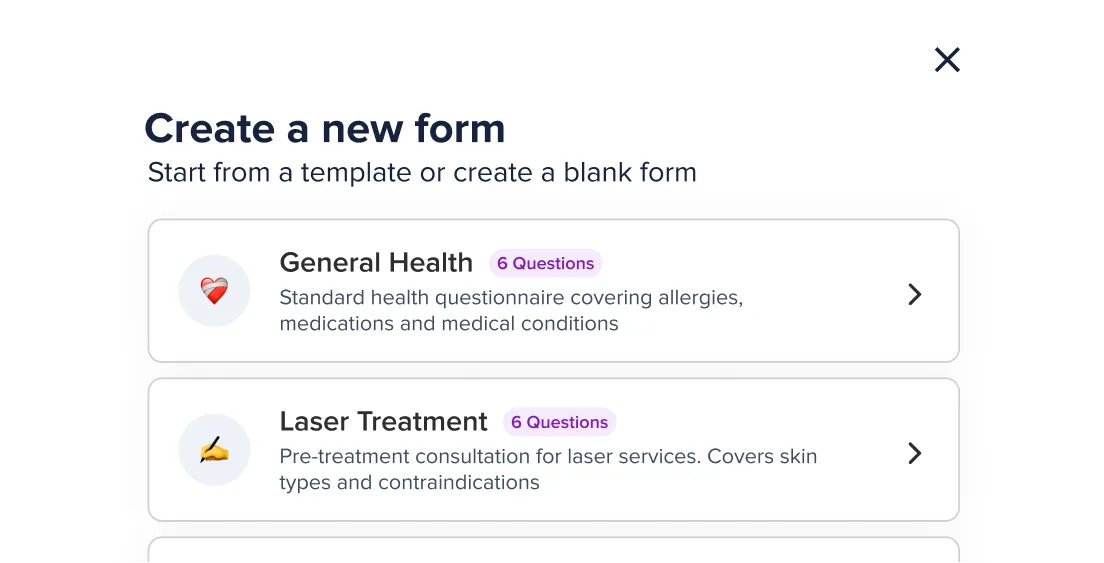
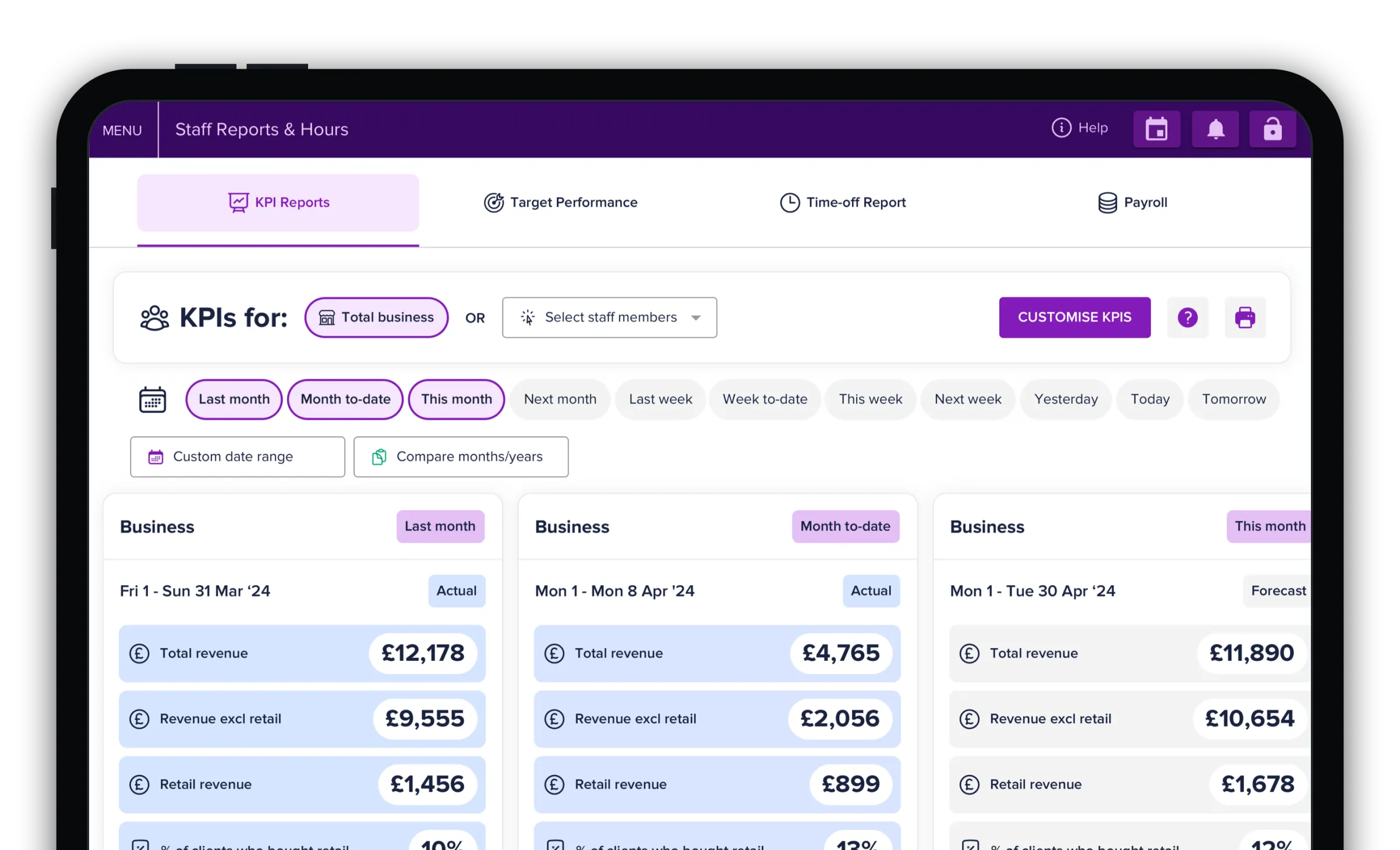
Dashboard screen showing KPI reports for business performance segmented by last month, month to date, and this month with total revenue, revenue excluding retail, and retail revenue figures displayed for each period.User interface for creating a new form with options for 'General Health' featuring a heart icon and six questions covering allergies, medications, and medical conditions, and 'Laser Treatment' featuring a pen icon and six questions for pre-treatment consultation on laser services including skin types and contraindications.

Integrated with your Slick calendar

Custom Forms

Your forms, your control

  • Choose from range of templates or build your own
  • Choose answer type: drop down, written answer etc
  • Choose which staff can create / edit your form
Digital interface showing a new feature for starting with a template in an online booking form system, with options for General Health, Laser Treatment, Massage Therapy, and starting from scratch. A purple button labeled 'Get started' is displayed alongside text prompting users to pick a ready-made template or build from scratch.Digital interface showing a new feature for starting with a template in an online booking form system, with options for General Health, Laser Treatment, Massage Therapy, and starting from scratch. A purple button labeled 'Get started' is displayed alongside text prompting users to pick a ready-made template or build from scratch.
Sending

Manual or Auto sending

  • Preview forms before sending & choose to send forms before / after a booking
  • Choose to send forms manually or link forms to a service(s) to send automatically
  • Clients receive forms via SMS with no login to make it quick & easy
Interface of a new online booking feature titled 'Take full control' that lets users send notifications automatically after booking or manually. Options include sending before appointment, after appointment, or manually, with dropdown to select timing for sending before appointment. Users can choose to send for all services or selected services, with checkboxes for Cut & Blow Dry, Colour, and Highlights selected, and Cut and Blow Dry, Restyle unselected. Buttons at the bottom say 'Save as draft' and 'Review & activate'.Interface of a new online booking feature titled 'Take full control' that lets users send notifications automatically after booking or manually. Options include sending before appointment, after appointment, or manually, with dropdown to select timing for sending before appointment. Users can choose to send for all services or selected services, with checkboxes for Cut & Blow Dry, Colour, and Highlights selected, and Cut and Blow Dry, Restyle unselected. Buttons at the bottom say 'Save as draft' and 'Review & activate'.
Tracking

Signatures & tracking

  • Ask your clients to sign your terms & conditions or accept your policies
  • Track when forms were sent & signed
  • See which client's have signed their form
Digital interface showing a new feature for tracking form completion status with heading 'Track your forms' and subheading 'See instantly who has and hasn't completed theirs.' The interface displays form statuses including Completed, Expired, Awaiting, and Lapsed, with options to view or resend forms, and a purple button labelled 'Print form'.Digital interface showing a new feature for tracking form completion status with heading 'Track your forms' and subheading 'See instantly who has and hasn't completed theirs.' The interface displays form statuses including Completed, Expired, Awaiting, and Lapsed, with options to view or resend forms, and a purple button labelled 'Print form'.

“We used to use another platform: this is so much easier”

Jal Clarke Hair |  Eastbourne

Other features you’ll love

Trusted by over 10,000 hair & beauty professionals
Text logo with 'WINDLE' in uppercase letters above a horizontal line and 'LONDON' in bold uppercase letters below the line.
Gold-colored stylised silhouette of a man's bearded profile above the word 'PORTERS' in uppercase gold letters.
Text logo reading 'MARC ANTONI' in large uppercase serif font with 'HAIR SALONS' in smaller spaced uppercase sans-serif font below.
The text 'Stā Studios' in a stylized serif font colored in warm brown.
The word 'PANKHURST' in uppercase serif font above a thin horizontal line, with the word 'LONDON' in uppercase serif font below the line.
The word 'idlewild' with the first letter 'i' in red and the rest in black typewriter-style font, accompanied by a red circular text reading 'Understanding the philosophy of heidexsang'.
Video transcript

New consultation forms with Slick

One of Slick's newest features is consultation forms, and it's something I feel we've been missing for a really long time. We all know the trouble with new clients. We don't know how they're going to walk into the salon. They could come in with box dye or henna wanting to be platinum blonde, or the other way around, really platinum and wanting to go dark. And sometimes we're just not sure what we need to do, or we feel another stylist might be more suitable. That's where consultation forms really help.

I've been able to personalise these forms with exactly the questions I need answered before the consultation itself. That can be things like the client's budget, so you're aligned before you start. Or whether they have any previous colour on their hair, or have had other services like keratin blow-dries, henna or hair Botox. If you know this already, you can get yourself prepped.

I love that it doesn't have to be for every single service. You can choose which services get a form sent automatically. I have mine set for consultations and for models, so a specific form goes out for each. You can also send forms manually, which I think is really good.

Slick also has a range of ready-made templates you can edit, from pre-massage consultations to general health and wellbeing questionnaires. So it isn't just for hair salons. It works for beauty, aesthetics and more. Once your client has filled out their form, it's stored on their profile to view any time you need it.

If you're looking to set up a consent or consultation form, head to your settings and select Forms. Everything you need is in there. It's so simple, and the steps are really easy.
Trusted by salons and barbers across the US
Black text logo with the word WINDLE above a horizontal line and LONDON in bold underneath.
Gold-colored stylised silhouette of a man's bearded profile above the word 'PORTERS' in uppercase gold letters.
Text logo reading 'MARC ANTONI' in large uppercase serif font with 'HAIR SALONS' in smaller spaced uppercase sans-serif font below.
Orange stylised lowercase letter 'b' logo next to the word 'bang' in matching orange rounded lowercase letters.
The word 'PANKHURST' in uppercase serif font above a thin horizontal line, with the word 'LONDON' in uppercase serif font below the line.
The word 'idlewild' with the first letter 'i' in red and the rest in black typewriter-style font, accompanied by a red circular text reading 'Understanding the philosophy of heidexsang'.

FAQs

How much is Slick & what is included?

Set up and training. Our plans start from $22 per month for 1 bookable staff. This includes unlimited SMS reminders so you always know how much you will be paying each month. Unlike other providers, we don't charge commissions on new clients either!

Do you offer customer support & training?

Live one-to-one support is free. Our team is available 7-days a week via Live Chat. Our priority phone team is available 9am-5pm Monday-Friday.

Can you help me set up?

Yes! We will import your data (clients, services, etc.) and set up your account for free to make the switch from your current system stress-free.

Can you import my client database?

Yes. Client data in a .CSV or Excel file can be imported for free.

What do I need to run Slick?

Slick will run on any modern iPad or desktop computer. All you need is WIFI in your salon and an iPad or computer. Our onboarding team will run tests during your setup to ensure Slick runs smoothly in your salon.

What happens if I need to cancel?

We operate a monthly rolling subscription as standard which means you are free to leave at any time. Should you ask for preferential commercial terms that are different to the list price advertised then this will trigger a contract.

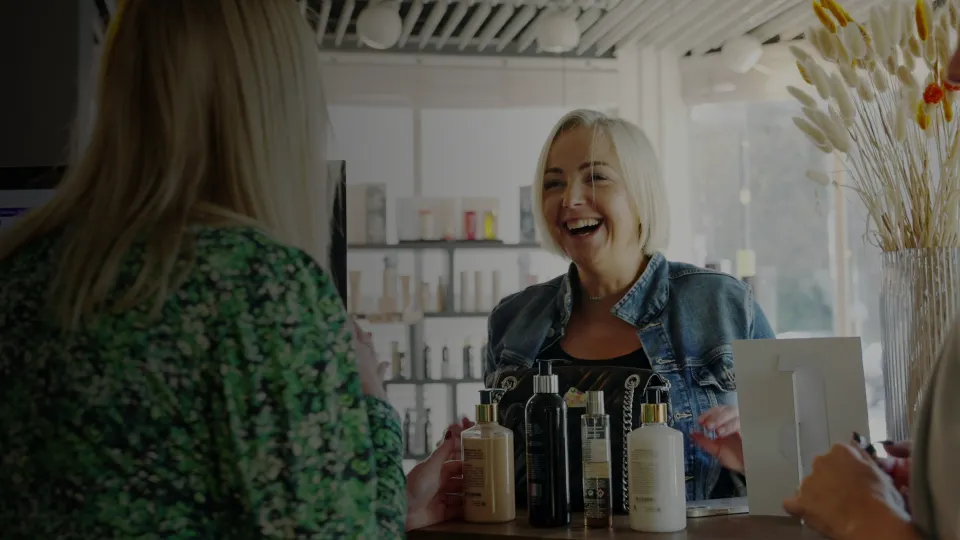
A smiling woman with blonde hair in a denim jacket stands behind a counter with various bottles of beauty or skincare products, engaging with two other women in a bright, modern store setting.

Experience Slick today

Discover how we can elevate your salon experience.
Book a demo
Self Sign Up. No credit card required.
We use cookies to improve your experience and analyze how our site is used. This includes essential cookies for site functionality, plus additional analytics and marketing cookies. Select 'Accept' to allow all cookies or view our Privacy Policy for more details.